 Iconis
Design Like Apple.
Ship Like a Pro.
Create Apple-quality app icons in one click — iOS 18 Tinted, Dark/Light adaptive, Xcode-ready delivery
Core Features
Everything you need to craft
perfect app icons
Multi-Source Icon Engine
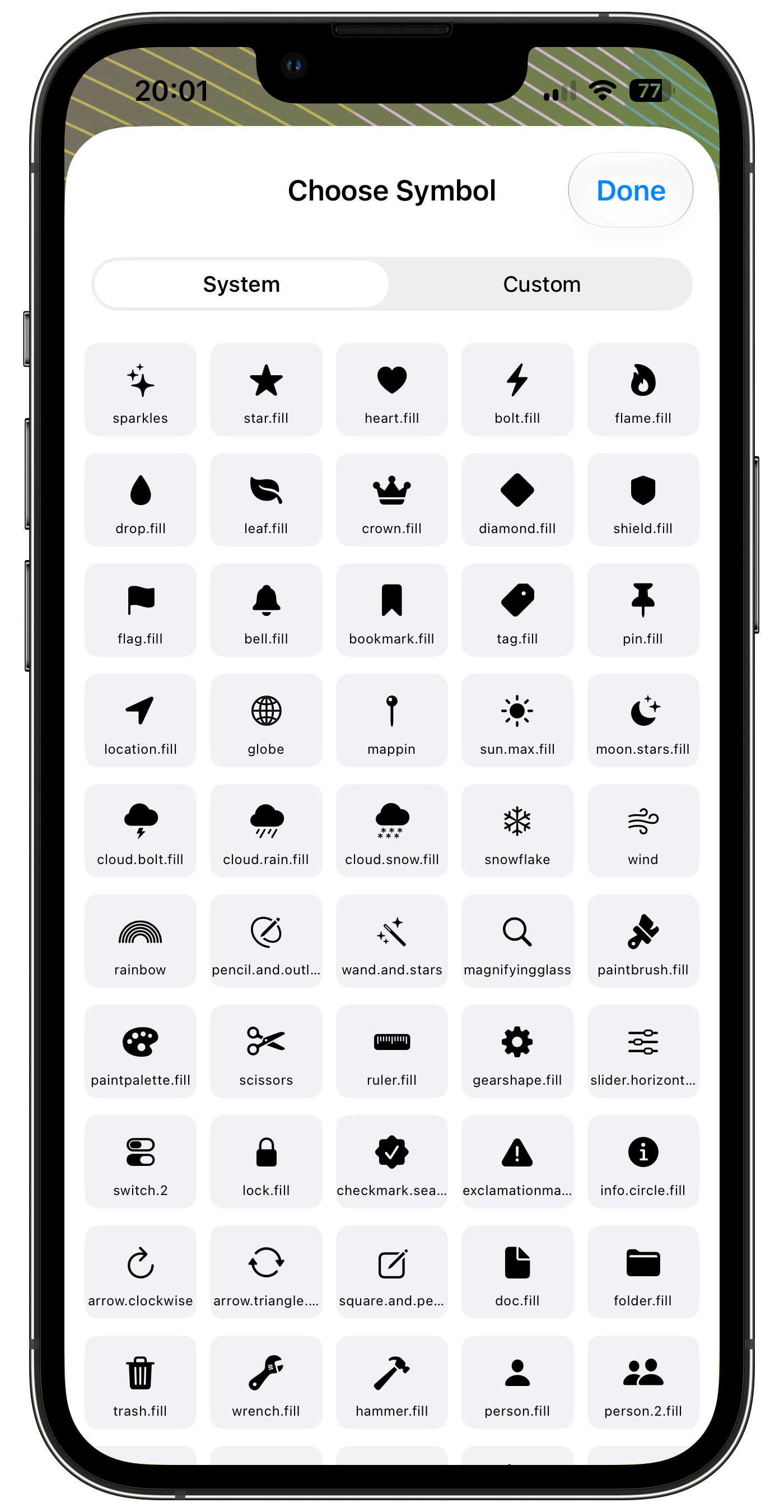
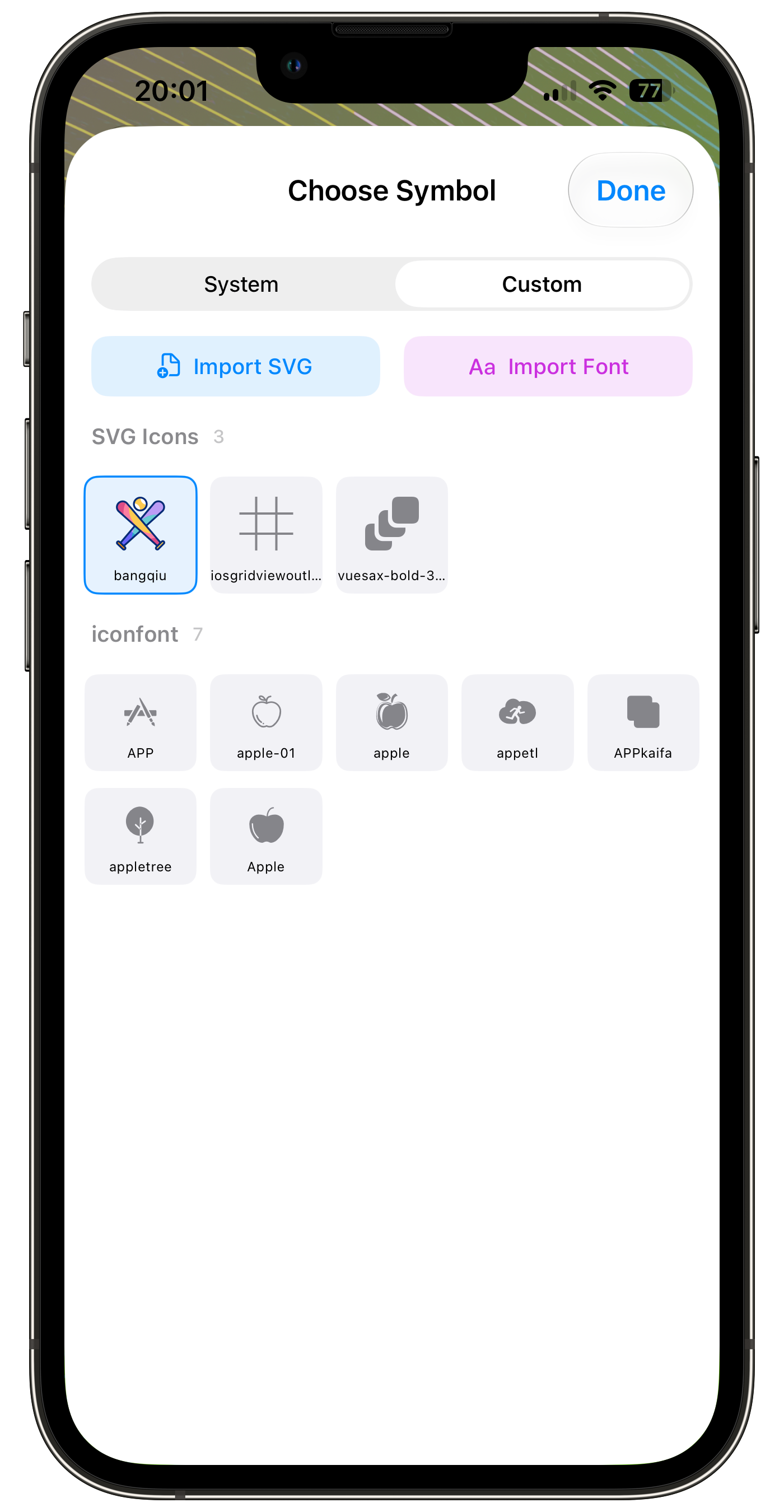
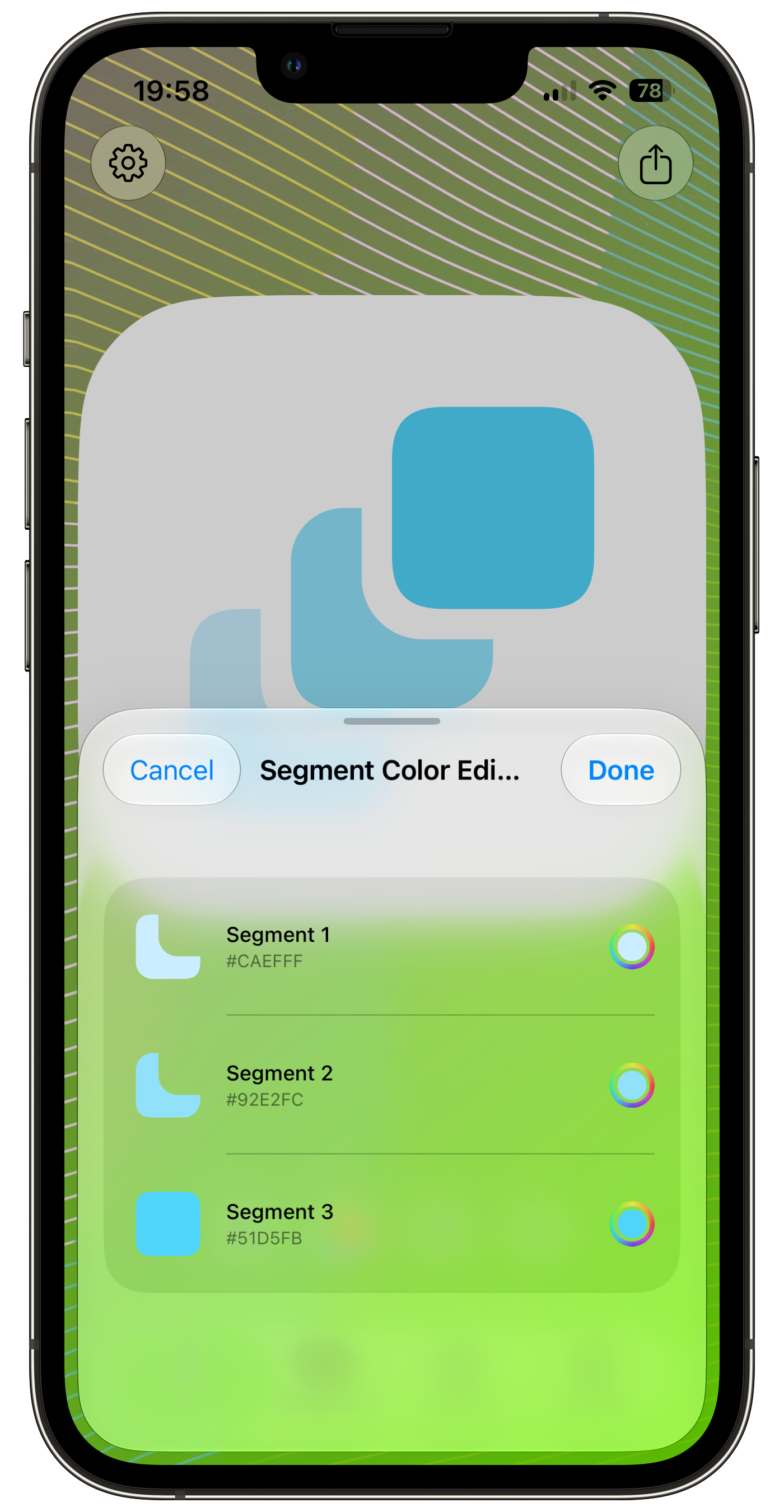
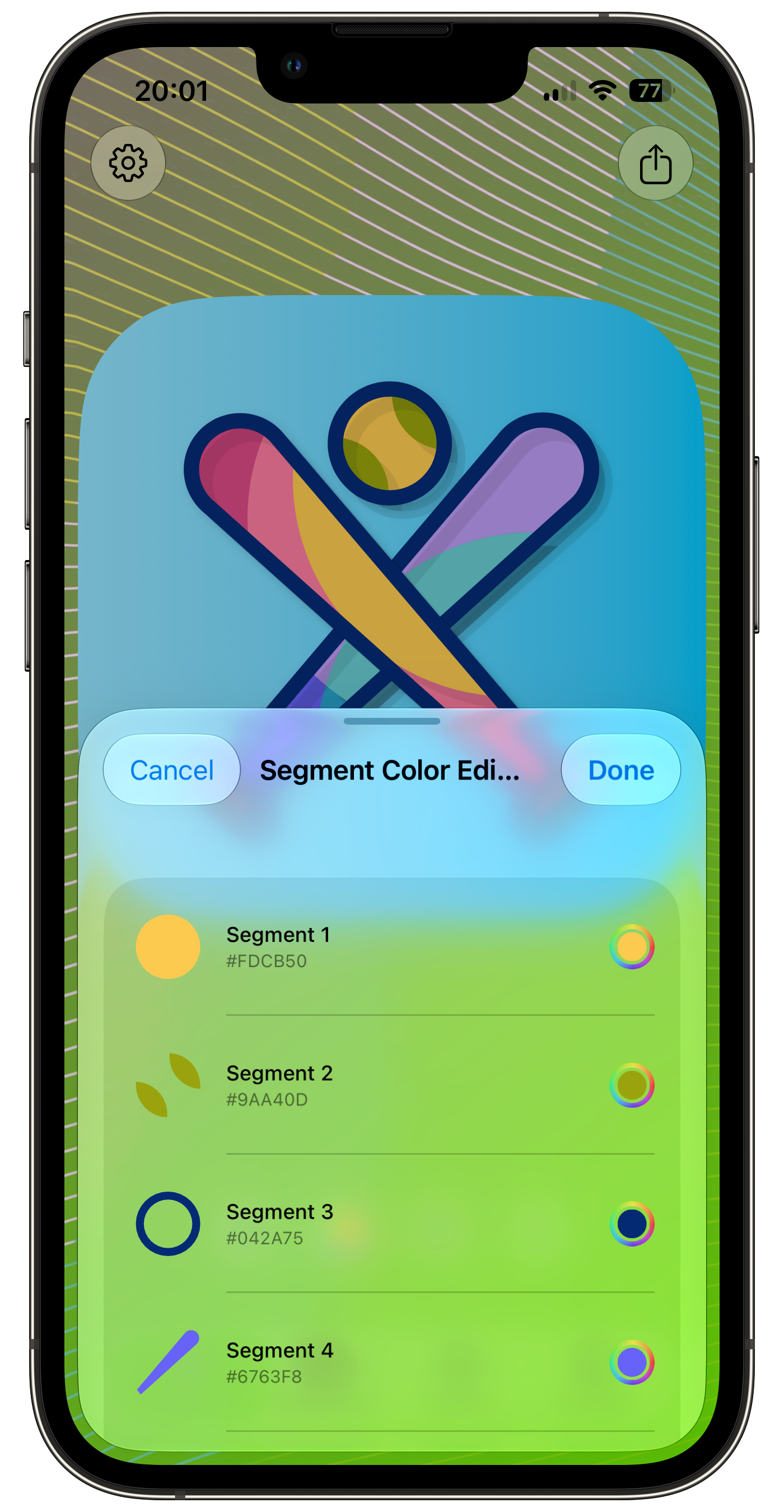
100+ SF Symbols collection, custom SVG multi-segment color editing, TTF/OTF font icon import (with color fonts), adjustable symbol padding 0.08~0.38
Advanced Background System
Solid / dual-color linear gradient (0°~360°) / iOS 18 MeshGradient 8 presets / custom image upload
Pro Lighting Engine
Dual-layer ambient shadow (large blur ambient + small blur drop shadow), 1px hardware edge highlight, precise iOS 18 Tinted simulation
Multi-Icon Manager
4-column grid layout, multi-icon design management, 500ms debounced auto-save
Universal Export
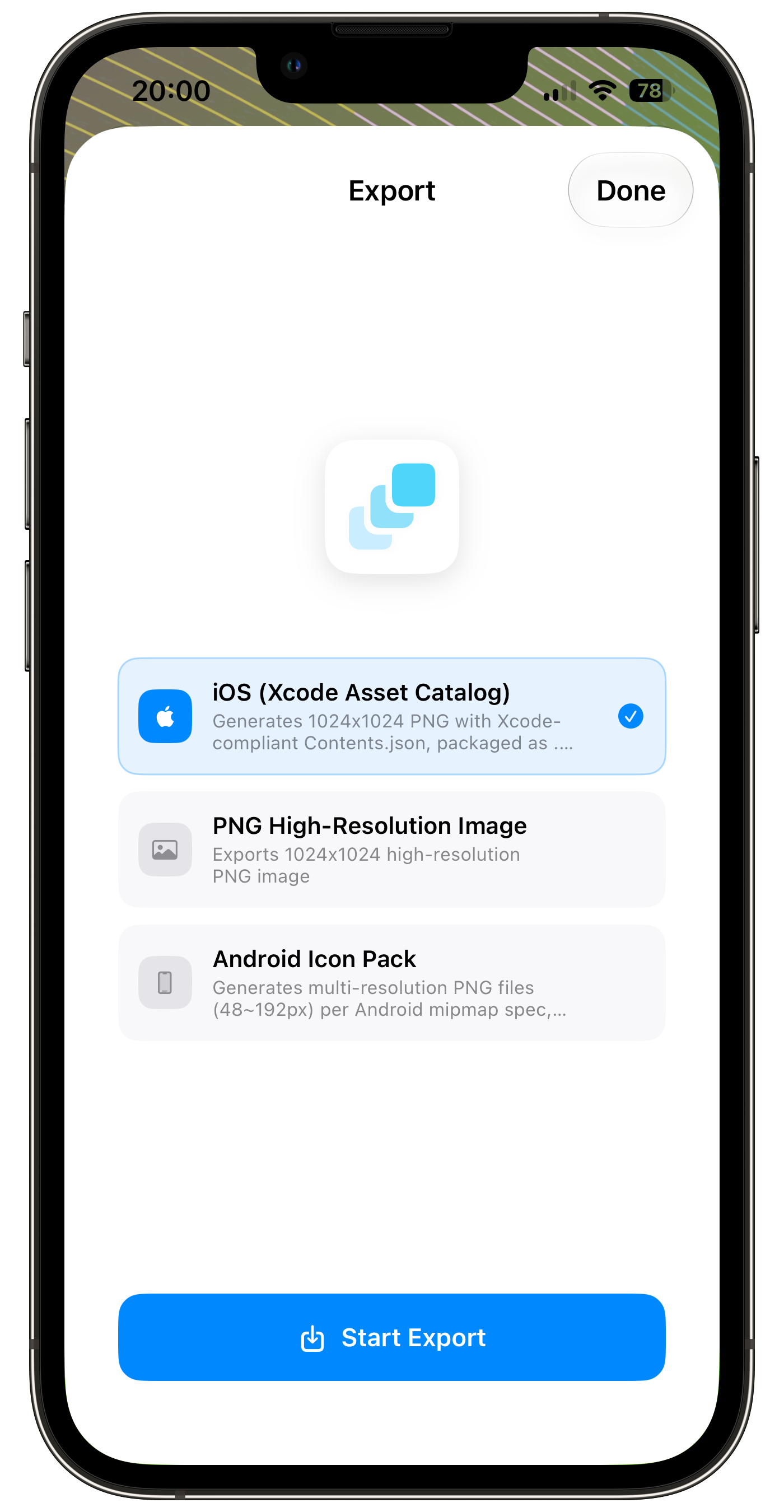
One-click Xcode .appiconset (21 sizes), Android mipmap (with adaptive icon XML), 1024px lossless PNG
Multi-Language
简体中文 / English auto-adaptive, follows system or manual switch, instant UI text updates
Export Capabilities
From design to delivery,
one click away.
iOS .appiconset
Xcode-ready asset bundle
- 21 size specs (20pt ~ 1024pt)
- Auto-generated Contents.json
- One-click ZIP delivery
AppIcon.appiconset/
├── Contents.json
├── Icon-20@2x.png ... Icon-20@3x.png
├── Icon-40@2x.png ... Icon-40@3x.png
├── Icon-60@2x.png ... Icon-60@3x.png
├── Icon-1024@1x.png
└── ... (21 sizes total)
Android mipmap
Multi-resolution + adaptive icons
- 48px ~ 192px multi-resolution
- Adaptive icon XML (ic_launcher)
- Foreground + Background + Monochrome
PNG Export
Lossless 1024x1024
- 1024x1024 lossless high-def PNG
- ImageRenderer off-screen rendering
- Not limited by screen resolution
Live Preview
See it in action
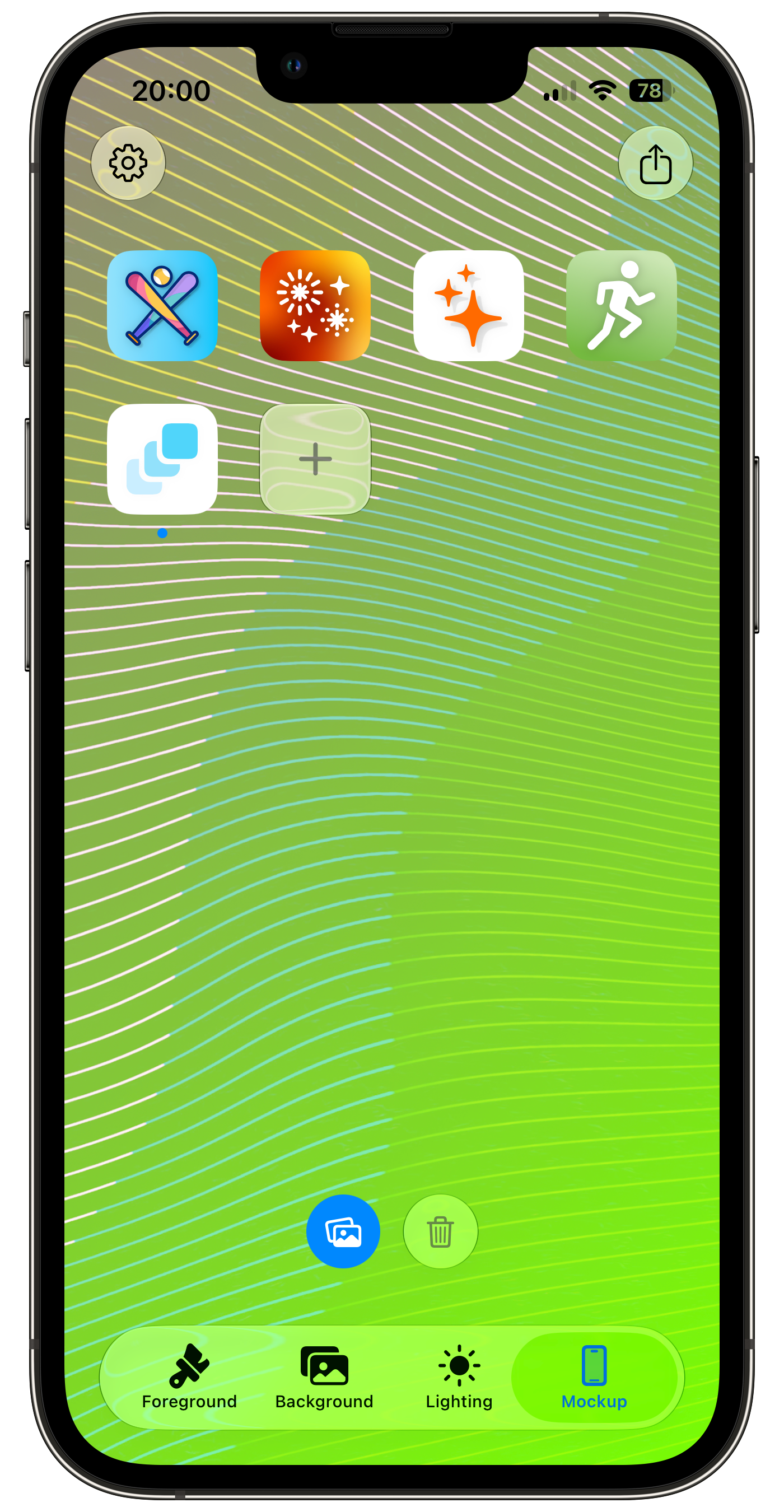
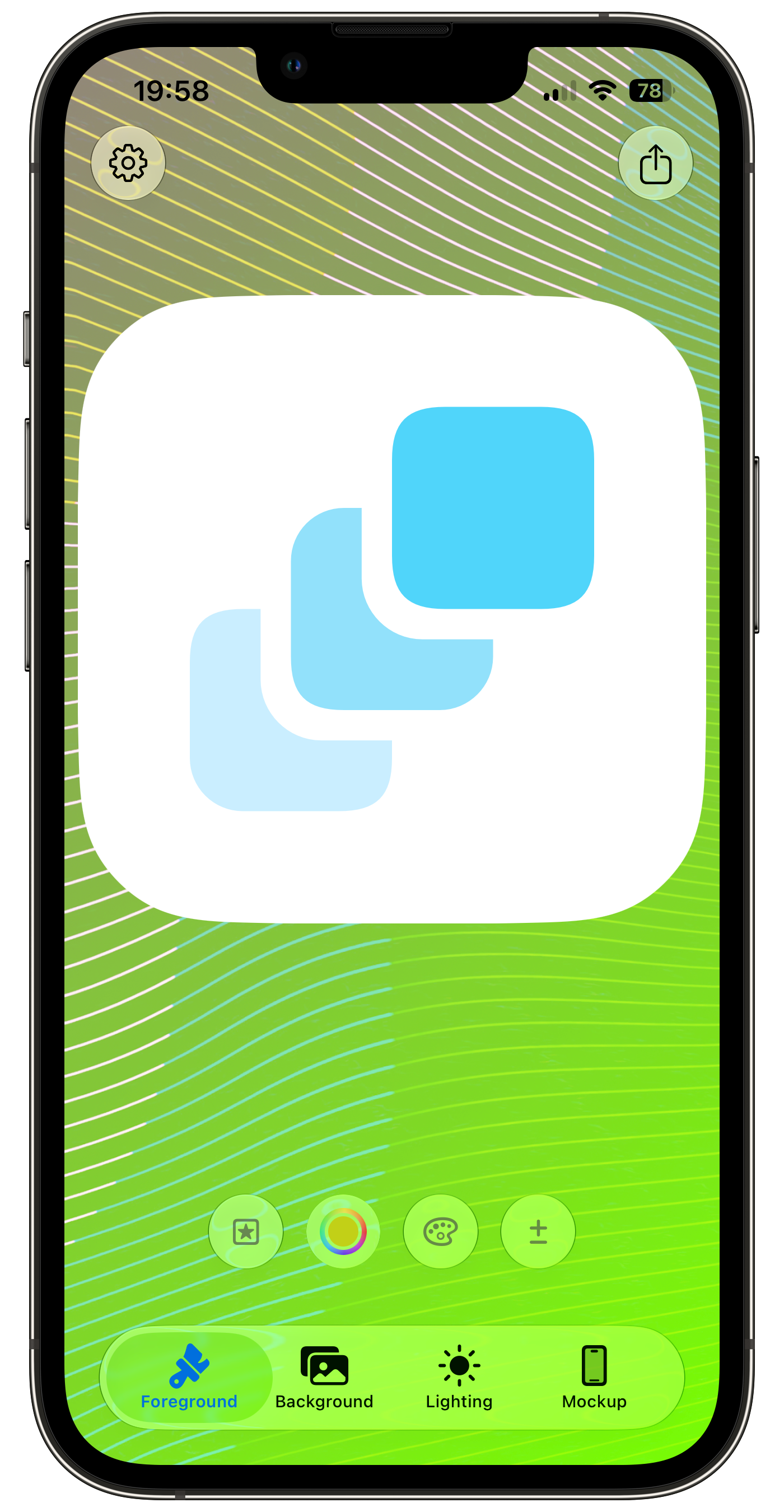
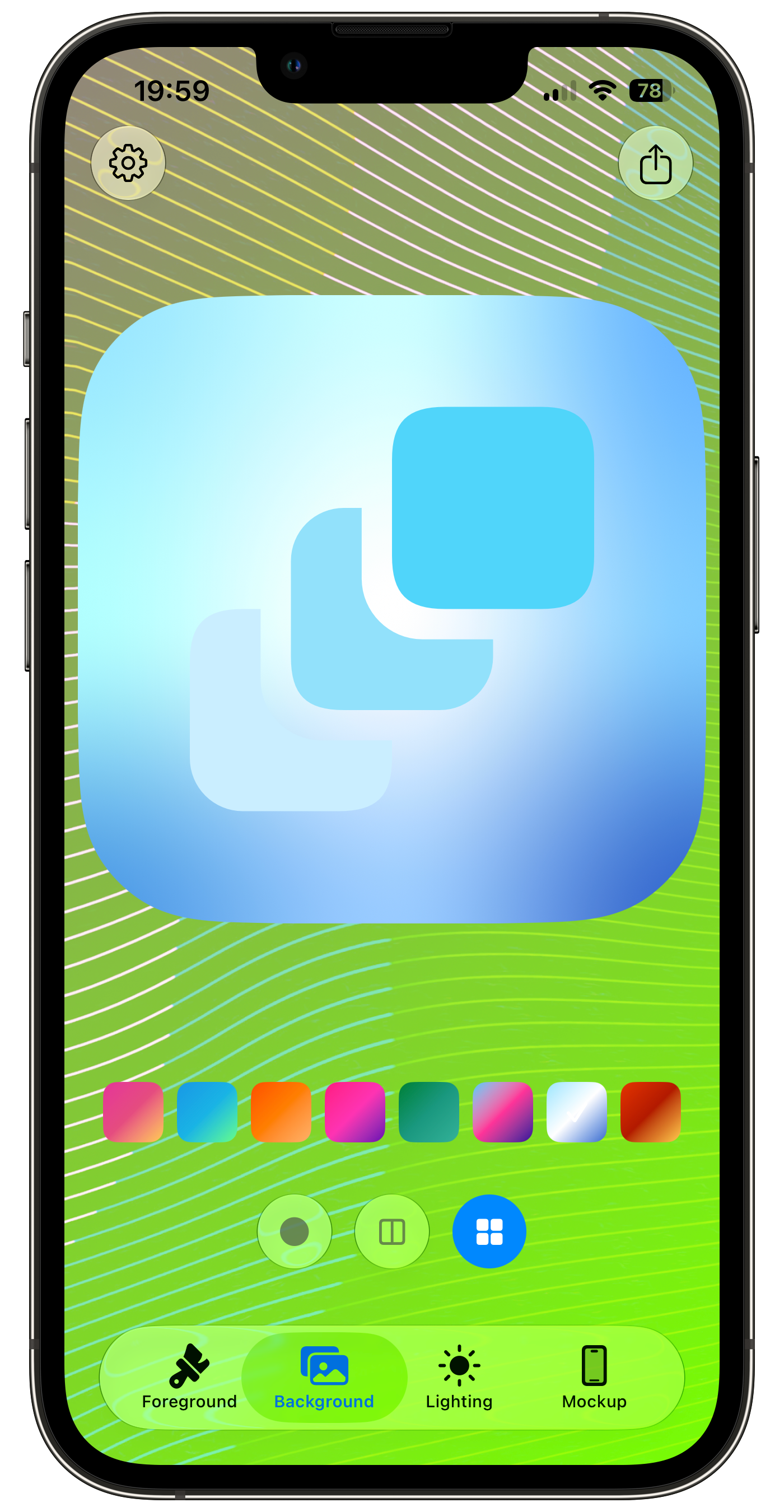
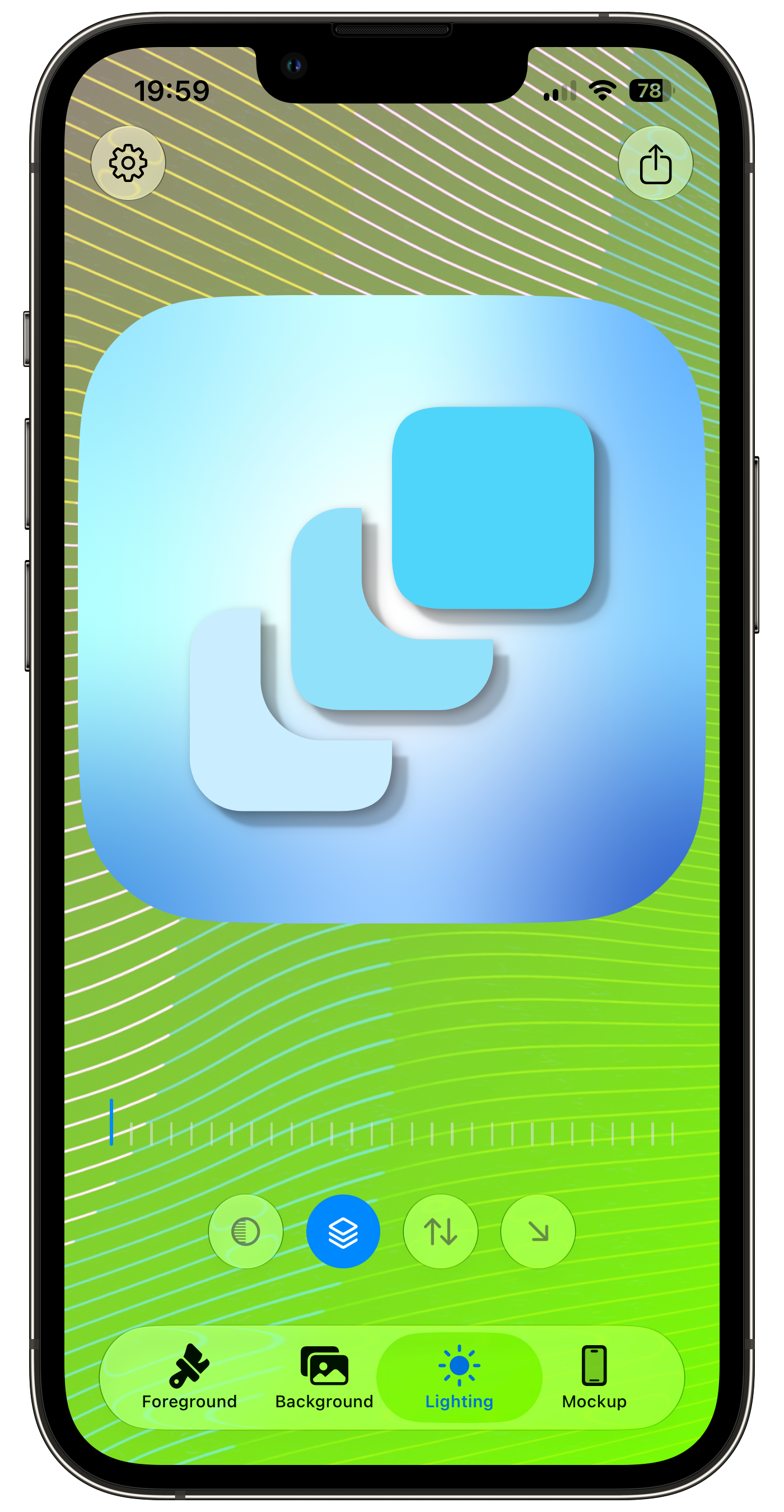
Pricing
Start free, upgrade when you need more
Free
Perfect for getting started with basic icon design.
- 100+ SF Symbols
- Solid / Gradient backgrounds
- Standard 1024px PNG export
- Up to 5 icons
- Xcode full asset bundle (.appiconset)
- MeshGradient 8 presets
- Advanced lighting engine (dual shadow + Tinted simulation)
- Android mipmap export
Pro
Unlock everything — SVG import, multi-segment editing, unlimited icons and more.
- Custom SVG import + multi-segment color editing
- Font icon import (TTF/OTF with color fonts)
- Unlimited icon creation
- Xcode full asset bundle (.appiconset)
- MeshGradient 8 presets
- Advanced lighting engine (dual shadow + Tinted simulation)
- Android mipmap export
FAQ
Frequently Asked Questions
What is Iconis?
Iconis is an app icon studio for macOS that creates Apple-quality app icons in one click. It handles every export you need for iOS, Android, and macOS — including Xcode .appiconset bundles and 1024px App Store PNGs.
Does Iconis support iOS 18 tinted icons?
Yes. Iconis simulates iOS 18 Tinted mode so you can preview how your icon will look with the system tint applied, and it exports the tinted asset set alongside your normal icon.
Can I export icons ready for Xcode and the App Store?
Yes. Iconis exports a complete Xcode .appiconset with all 21 required sizes, plus a 1024px PNG for App Store Connect. Drop the appiconset into your Xcode asset catalog and you're done.
Does Iconis support Android icons too?
Yes. It exports Android adaptive icons with the correct mipmap sizes, including foreground, background, and monochrome layers.
Is Iconis free?
Yes. Iconis is completely free with no subscriptions and no paid tiers. Every feature — SF Symbols, tinted mode, all exports — is included.
Which platforms does Iconis run on?
Iconis is a native macOS app built with pure SwiftUI, requiring macOS 14 or later. It's designed around the tools and workflows Apple developers already use.
Ready to craft
your perfect icon?
Join thousands of developers and designers shipping Apple-quality app icons with Iconis.